
Download the app
Free on the App Store and Google Play.

USI Smart App
Set up compatible USI smart locks and manage everyday access from your phone.


Everyday access, simplified
Explore the controls shown in the USI app walkthrough.



Matter-compatible locks
Bring your compatible USI lock into the smart home you already use.


For supported Matter models. Setup and required hardware vary by device.
Fingertouch and Palmtouch models require a compatible Thread border router for remote access. Check your lock’s product page and manual for setup requirements.
The app meets the front door
Explore USI locks with app support.
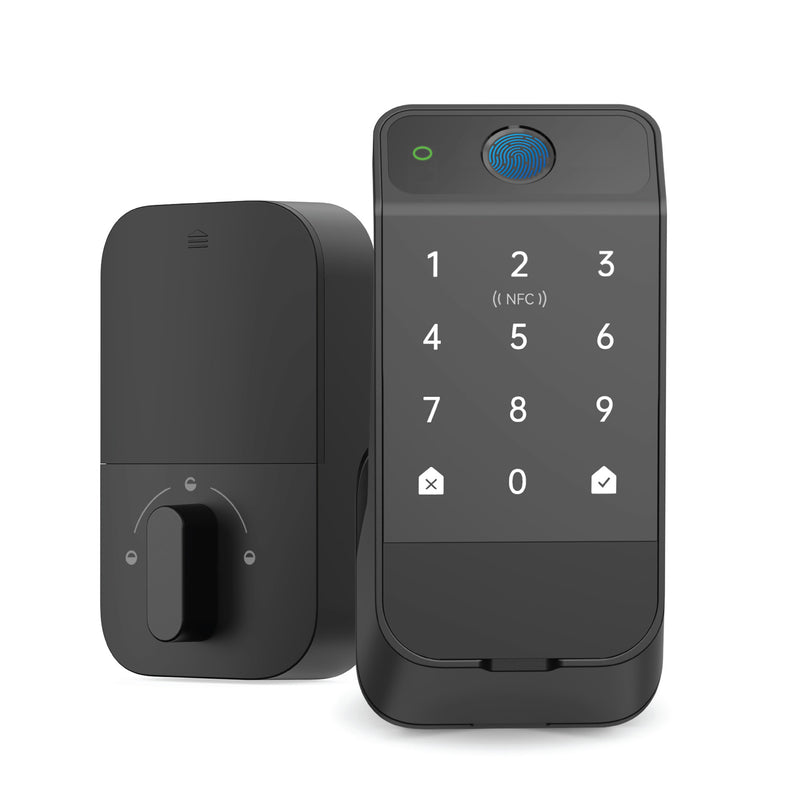
Fingerprint access
View product →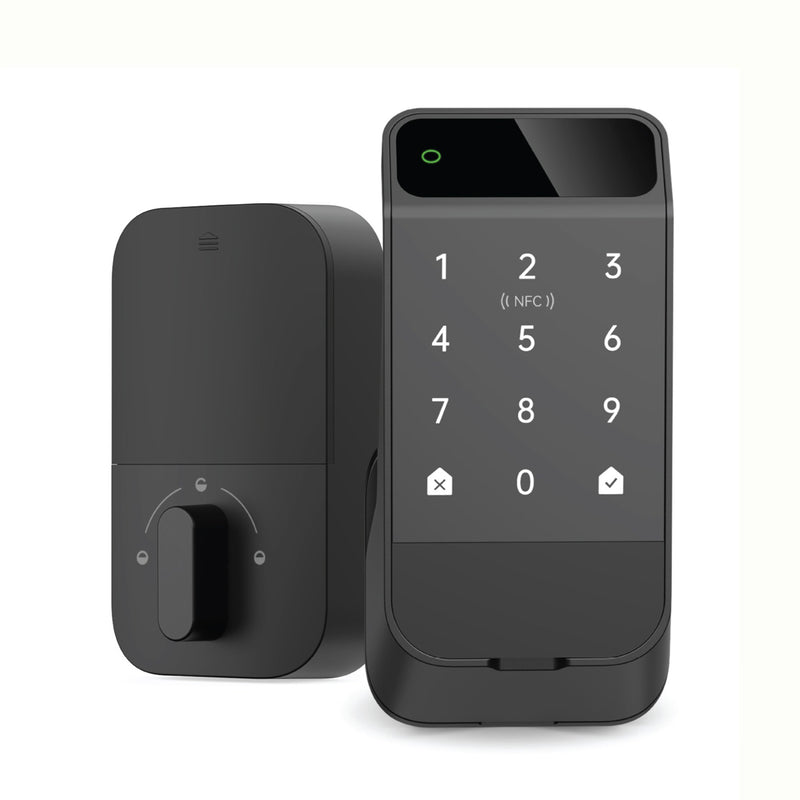
Palm recognition
View product →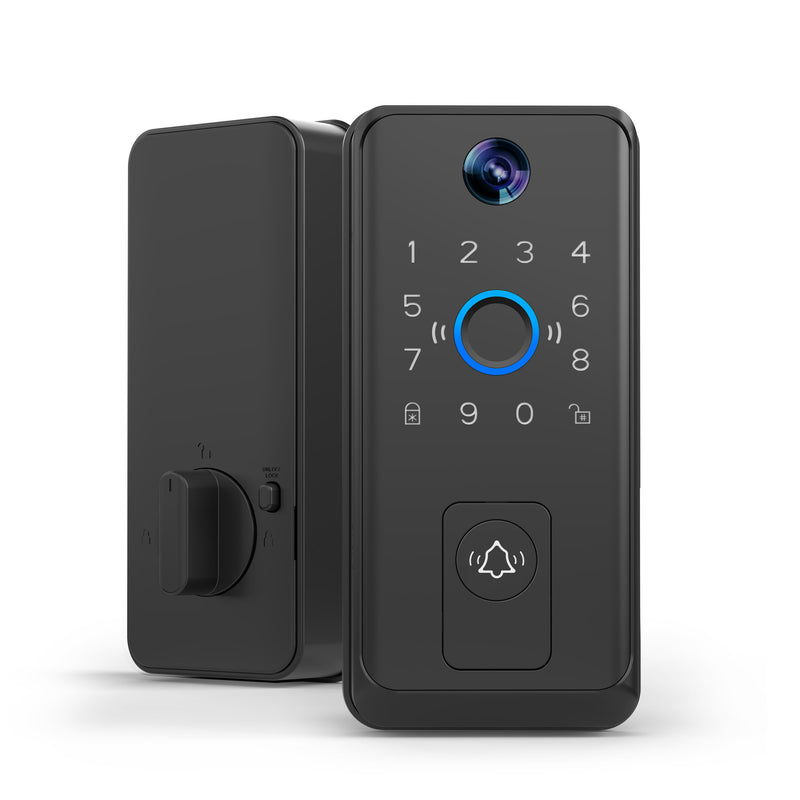
Lock and doorbell in one
View product →Features and connectivity vary by model. Remote access for Fingertouch and Palmtouch locks requires a compatible Thread border router. Check your product page and manual for setup requirements.
Good to know
Use the app with compatible USI smart devices. Check your model’s product page and manual to confirm compatibility and available features.
Requirements depend on your lock. Fingertouch and Palmtouch models require a compatible Thread border router for remote access. Follow the instructions for your specific model.
Watch the full app walkthrough or review your product manual. For additional help, visit USI Support.

Download the Universal Security Instruments app to get started.
Scan to get the app

